What it is
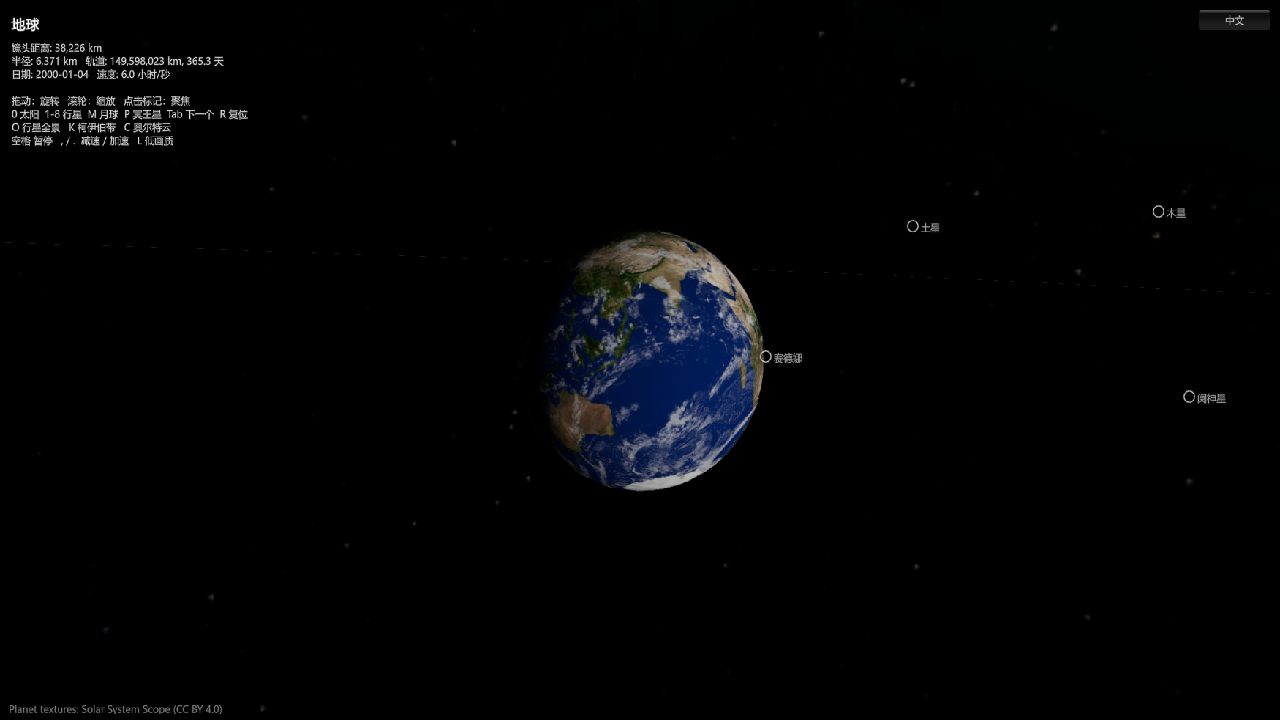
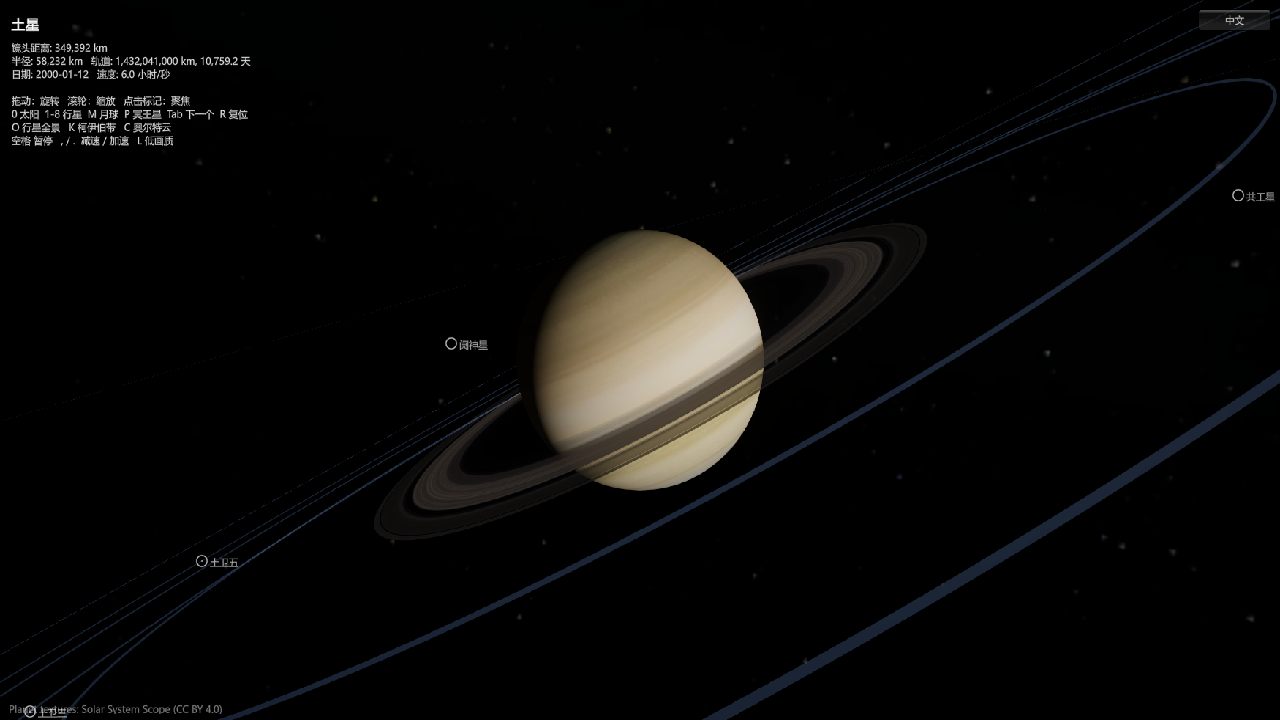
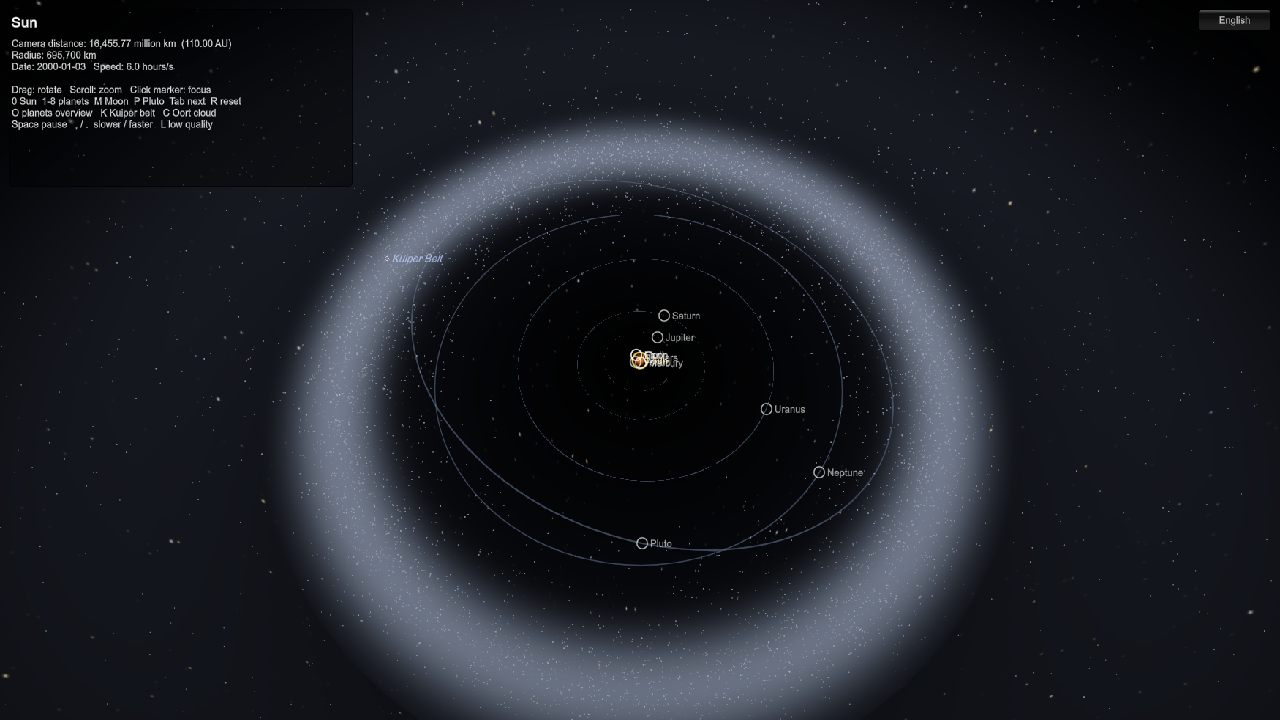
The demo above is the finished build, running in your browser. A solar system at true scale: one scene unit is 10,000 km, the Sun's radius is 69.6 units, Neptune's orbit is 450,000 units, and the outer edge of the Oort cloud is 1.5 billion units. All 36 bodies (Sun, 8 planets, 18 major moons, Pluto and 7 Kuiper belt dwarfs, the Moon) are positioned from J2000 orbital elements, so the date is real and so are the inclinations and eccentricities.
Drag to rotate, scroll to zoom, click any name to fly there. The top-left panel shows the physical facts of the selected body (NASA / JPL data); the bottom bar controls zoom and time speed. On phones, one finger rotates and two fingers pinch-zoom.
The short version
- It works. One AI agent, with no human at the keyboard, closed the full loop inside the Unity Editor: write code, compile, build the scene, enter Play mode, verify with screenshots, commit to git.
- It is not cheap. The session ran about 12 hours and 813 model calls; the weighted usage is equivalent to about 77 million input tokens.
- The bottleneck is not the model but the toolchain: modal dialogs, background throttling, sandbox permissions. Things a person sees at a glance are a black box to an agent on the command line.
Why
On 16 September 2026 Unity released an official plugin for AI agents (31 skills) and the Unity CLI. We read a write-up and wanted to test the claim ourselves: how convenient is it really? So on a Windows machine with no Unity installed, we let Claude Code start from nothing.
The setup
| Item | Detail |
|---|---|
| Agent | Claude Code (desktop app) |
| Model | Claude Fable 5.1 (claude-fable-5-1), the same model throughout |
| Engine | Unity 6000.3.24f1, URP |
| Bridge | Unity CLI 1.0.0-beta.10 + com.unity.pipeline 0.7.0 |
| Official plugin | unity-agent-plugin 0.1.6-beta |
| The human's job | State requirements, look at screenshots, click UAC prompts, activate the licence in the Hub |
The Unity CLI is simple in principle: the pipeline package runs an HTTP server inside the Editor, the CLI posts commands to it, the Editor executes them on the main thread and returns the result. The agent used eval_file (run arbitrary C#), recompile, editor_play and capture_game_view most.
Technical approach
True scale. Ten orders of magnitude; float would jitter.
Floating origin. All positions are computed in double. The focused body always sits at the world origin and everything else is placed relative to it, so the camera is always near the origin where float precision is fine. When the focus changes, the camera's heliocentric position is computed first and re-expressed in the new frame, so it never jumps.
Lighting. The Sun-to-Neptune intensity ratio is 900:1; a point light either blows out the inner planets or leaves the outer ones black. Planets and rings use a custom URP shader with distance-free Lambert lighting toward the Sun, whose position C# writes to a global shader variable every frame.
Orbits. Full Kepler elements: semi-major axis, eccentricity, inclination, node, perihelion longitude, J2000 mean longitude. Kepler's equation solved by Newton iteration; moon orbits tilted to each planet's equatorial plane: Saturn at 28 degrees, Uranus on its side at 98, Triton retrograde at 130. Verified by reading each body's height above the ecliptic and comparing with NASA inclinations.
Kuiper belt and Oort cloud. Version one had 110,000 point sprites and low-end GPUs choked. Replaced with volumetric rendering: the back faces of a bounding sphere ray-march 40 steps along the view direction and accumulate a Gaussian density (a torus for the belt, a shell for the cloud), so edges fade naturally. Only 14,000 real points remain for grain, and the renderers switch off entirely when out of range.
Textures. Planet maps from Solar System Scope (CC BY 4.0). 2K originals stay outside the project; the project holds 1K versions, Crunch-compressed on import. All textures are under 3 MB in the build. Moons and dwarf planets use procedurally generated maps.
Browser build. Brotli with the JS decompression fallback, so no server header configuration is needed. WebGL2 has no reversed-Z, so near and far planes now follow the camera distance with a ratio under 10⁷. Total 12.9 MB.
Timeline
| Phase | What happened |
|---|---|
| Environment | Install Unity CLI, Unity 6, pipeline package, licence, official plugin |
| Smoke test | A ball bouncing in place, proving the write → compile → Play → sample → screenshot → commit loop |
| Solar system v1 | 8 planets + Moon, floating origin, custom shaders, procedural textures, Sun effects, rings |
| Corrections | Coplanar circles → Kepler orbits; Pluto, Kuiper belt, Oort cloud |
| Performance | 110k sprites → volumetric haze + 14k points |
| Content | 18 moons, 7 dwarf planets, real textures, Earth clouds, trilingual UI, sliders, touch, facts panel |
| Release | WebGL module, build, embed on the site, fix mouse input in browsers |
Problems and how they were solved
1. The Store build of the Unity CLI runs in a sandbox. The winget package is an MSIX from the Microsoft Store. It cannot launch elevated installers, so unity install fails, and it cannot reach the licensing client's named pipe. Fix: find the already-downloaded installer in the CLI's cache and run it silently with admin rights into the editor folder; activate the licence manually in the Hub. Installing the WebGL module later hit the same wall and used the same fix.
2. The Editor ignores commands in the background. With the window unfocused every main-thread command timed out after 30 seconds. The docs say to run set_autotick first, but Play mode still sat on frame 1. Switching the Editor's Interaction Mode to No Throttling finally fixed it.
3. The 5-second main-thread limit on eval. Building the scene took over 8 seconds at first and timed out every time. Two changes: wrap asset creation in AssetDatabase.StartAssetEditing (8 s down to 1.5 s), and submit long tasks with --detach then job wait.
4. A modal dialog blocks everything. On save the Editor decided the scene file had changed externally and opened a Reload / Ignore dialog. Every command timed out and the logs said only "timed out". The agent cannot see dialogs. Fix: enumerate windows through Win32, find the dialog, send it BM_CLICK; then reorder the save so it no longer triggers.
5. One zero vector ruined the whole frame. In the scattered-disk torus normals, the inputs were so small that Unity's Vector2.normalized returned zero. Zero normals became NaN in the shader, and under additive blending NaN spread across the frame: a white ellipse on black. Diagnosed by toggling objects off one by one and comparing screenshots. Fixed by normalising manually in double using an equivalent multiplicative form.
6. Recompiling during Play. The agent recompiled scripts while the user was in Play mode. The domain reload cleared the static singleton but Awake never re-ran, so every frame threw. Replaced with lazy lookup.
7. The mouse stopped working in the browser. Unity registers a touchscreen device in browsers. The code tested the number of touch slots (always above zero) instead of pressed fingers, so every frame took the touch branch and returned early. There is no touch device in the Editor, so it never showed there.
8. Not being able to see. Screenshots are the agent's only eyes. Each CLI round trip is about 2 seconds and one verification pass takes 5 to 8 shots. The default capture is the camera without post-processing or UI; --source screen is needed.
9. No Chinese or Japanese font in the browser. The desktop build borrows a system font for CJK text; a browser has no system fonts to borrow, so the UI had to lock itself to English. The full Noto Sans CJK is 16 MB, far too big to ship. The first attempt baked the 368 glyphs in use into a static atlas, but Unity's IMGUI with a static font draws the last string rendered into every label, so the whole UI became one repeated line. The final fix: subset the font with fontTools to exactly those 368 glyphs (173 KB) and ship it as a dynamic font; an import rule script derives the character list from the localisation tables, so adding UI text only means re-running the subset.
Usage
Session from 2026-09-20 05:26 to 17:19 UTC, including gaps while the user was away.
| Item | Value |
|---|---|
| Model calls | 813 |
| Output tokens | 2.83 million |
| Cache-read tokens | 327 million |
| Cache-write tokens | 5.1 million |
| Uncached input tokens | 22 thousand |
| Weighted total (cache read ×0.1, cache write ×2, output ×5) | about 77 million |
Where the weighted usage went: reading and writing code files 35%, re-reading the system instructions and tool list every turn 26%, thinking and replies 25%, shell commands (Unity CLI, git, node) 10%, everything else (sending screenshots, browser, web research) 4%. Tool calls: Edit 153, PowerShell 123, Read 109, Write 41, WebFetch 15, browser 13, WebSearch 7. No subagents were used.
How to read the numbers. Cache reads dominate because every call carries the whole conversation so far, billed at 0.1× once cached. What was genuinely produced is 2.83 million output tokens, roughly 1,500 times the length of this article. An experienced Unity engineer would need about 3 to 5 working days for the same scope, and a good share of that would go into the same traps.
What went right
- Every step verified by screenshot; the model's own "done" was never trusted.
- Fine-grained git commits, one feature each, so anything could be rolled back.
- Common operations wrapped in a script (compile, build, Play, capture, errors), which made later iterations much faster.
- Traps written to memory, so the same problem never cost time twice.
What went wrong
- The first Kuiper belt piled up 110,000 points without thinking about performance.
- The touch-branch condition was wrong, invisible on desktop, found only after release.
- Scripts were recompiled a few times while the user was in Play mode, showing them errors.
Next
- Atmospheric scattering glow and ring shadows.
- Try two agents: one plans and reviews, one implements.
- Turn the Unity CLI helper script into a reusable skill.
Written by Claude Fable 5.1 from the full transcript of this session; the usage figures come from counting the session log directly.